


Member Support
How to Access the Newspaper & Members-Only Content
To view the current issue, archive, and members-only content, you now need to be logged in to your account. This helps us protect local journalism and ensure member access stays secure.
Step 1: Log In to Your Account
Use the Log In link at the top of the website to access your account.
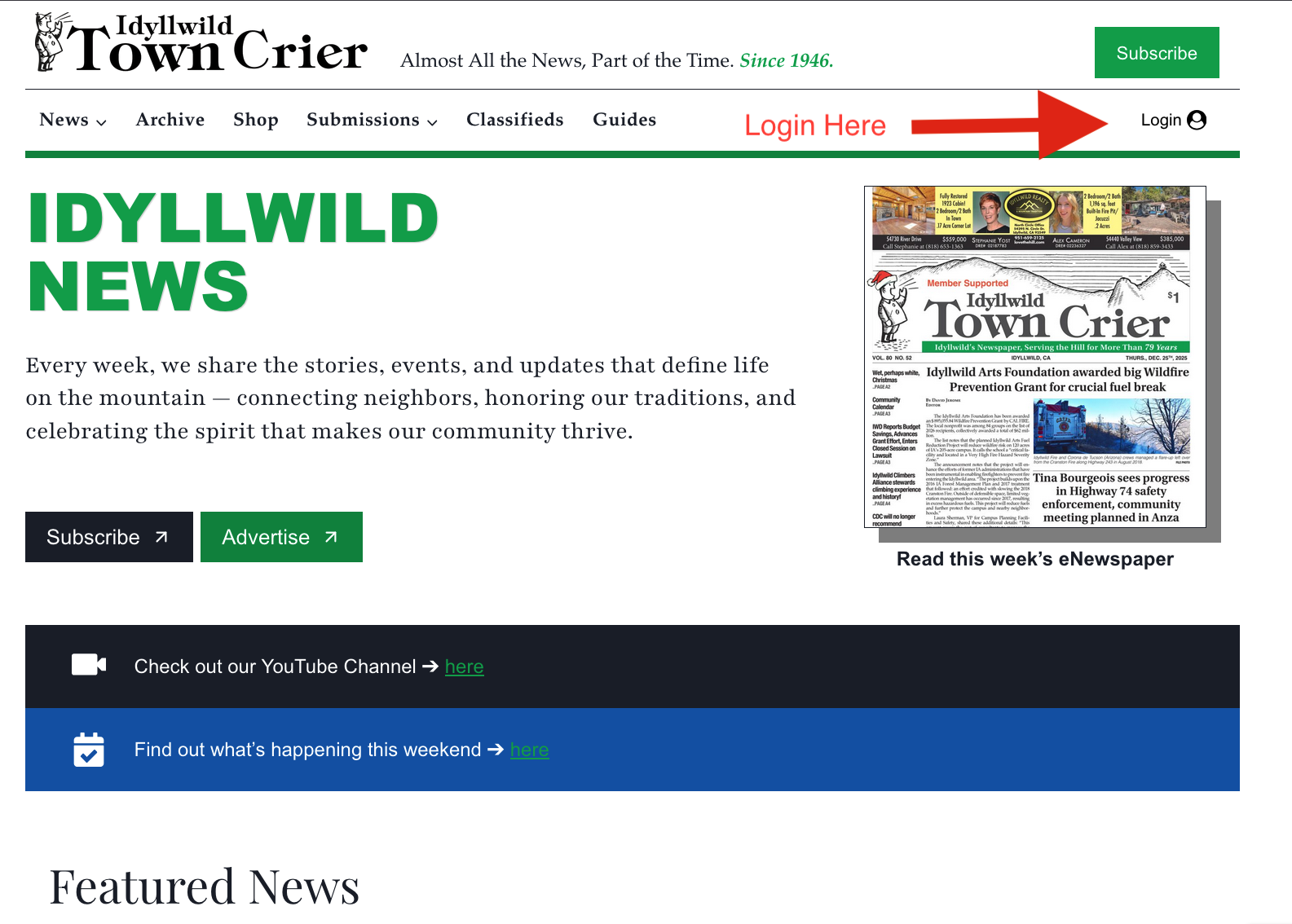
Once logged in, you’ll have full access to:
• The current digital issue
• Past issues in the archive
• Members-only articles and features
Step 2: Access the Current Issue & Archive
After logging in, you can open the Digital Paper or Archive from the homepage.
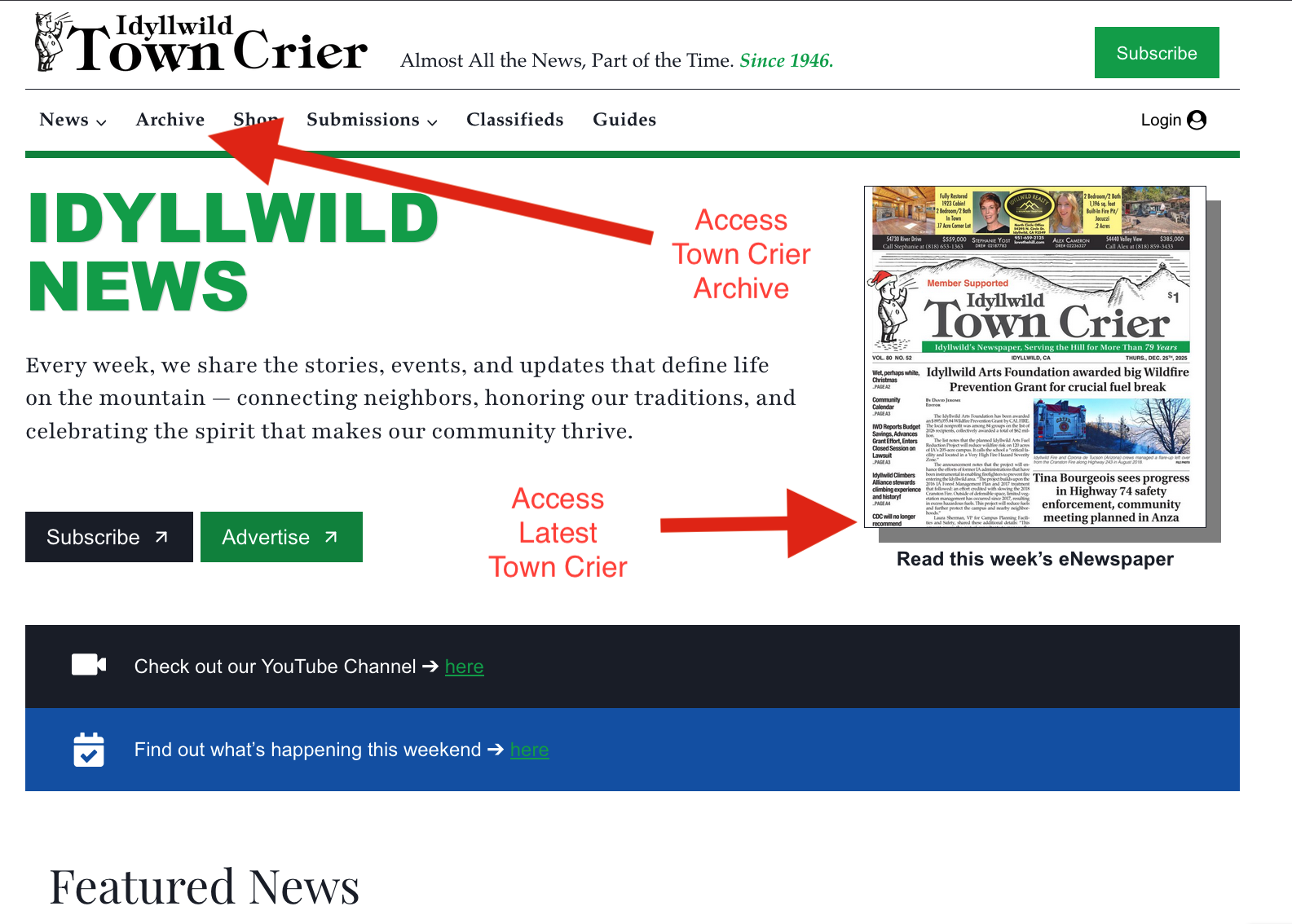
If you are logged in and still can’t access content, try refreshing the page.
Forgot Your Password?
No problem — you can reset it anytime.
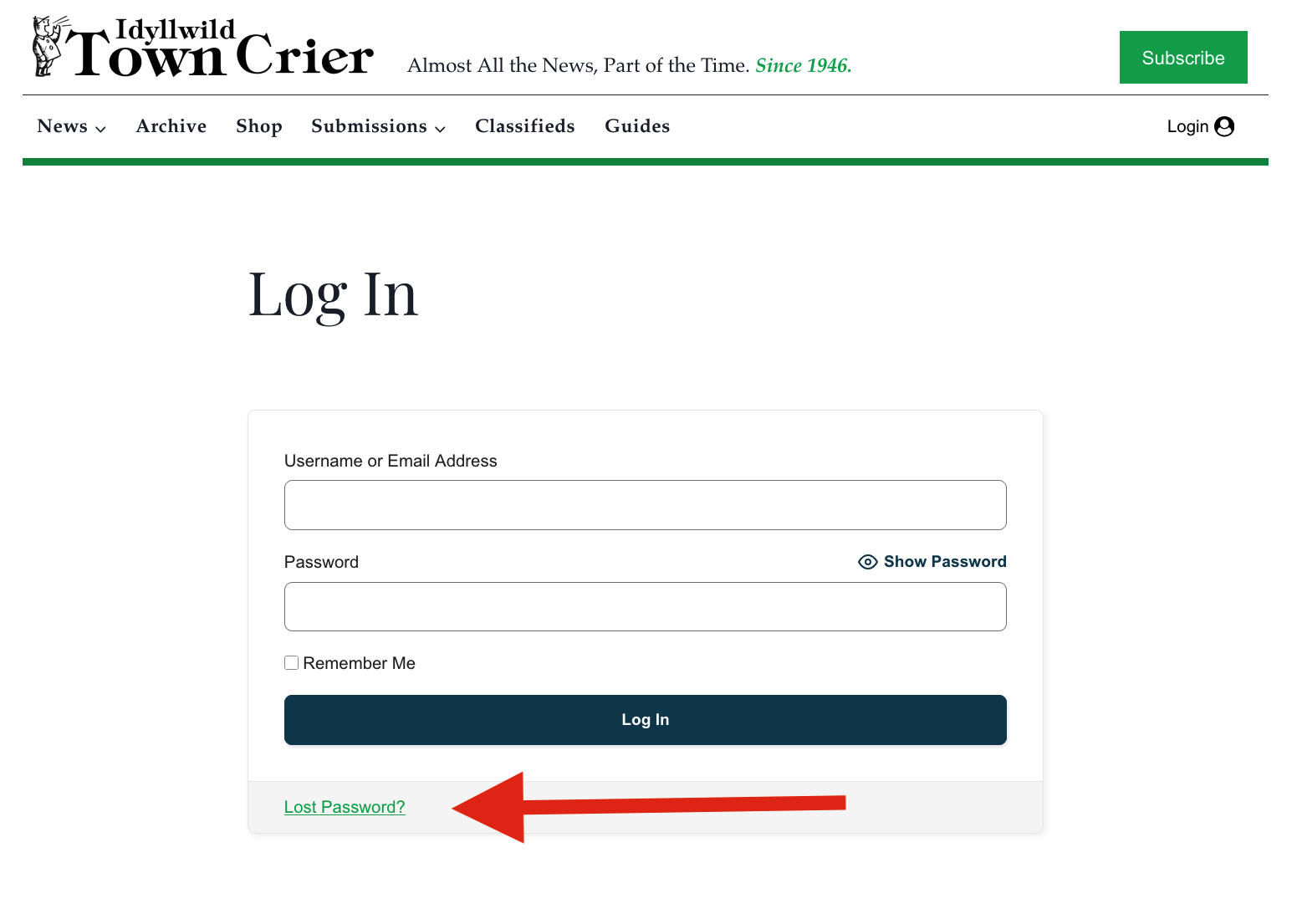
1. Click Log In
2. Select Lost password?
3. Enter the email address associated with your membership
4. Follow the reset link sent to your inbox
If you are logged in and still can’t access content, try refreshing the page.
Still Having Trouble?
If you’re sure you’re using the correct email but can’t log in, we’re happy to help.
We’ll get you back into the paper as quickly as possible.